 PinSleuth
Fix · Feature
Stop your pins fighting each other
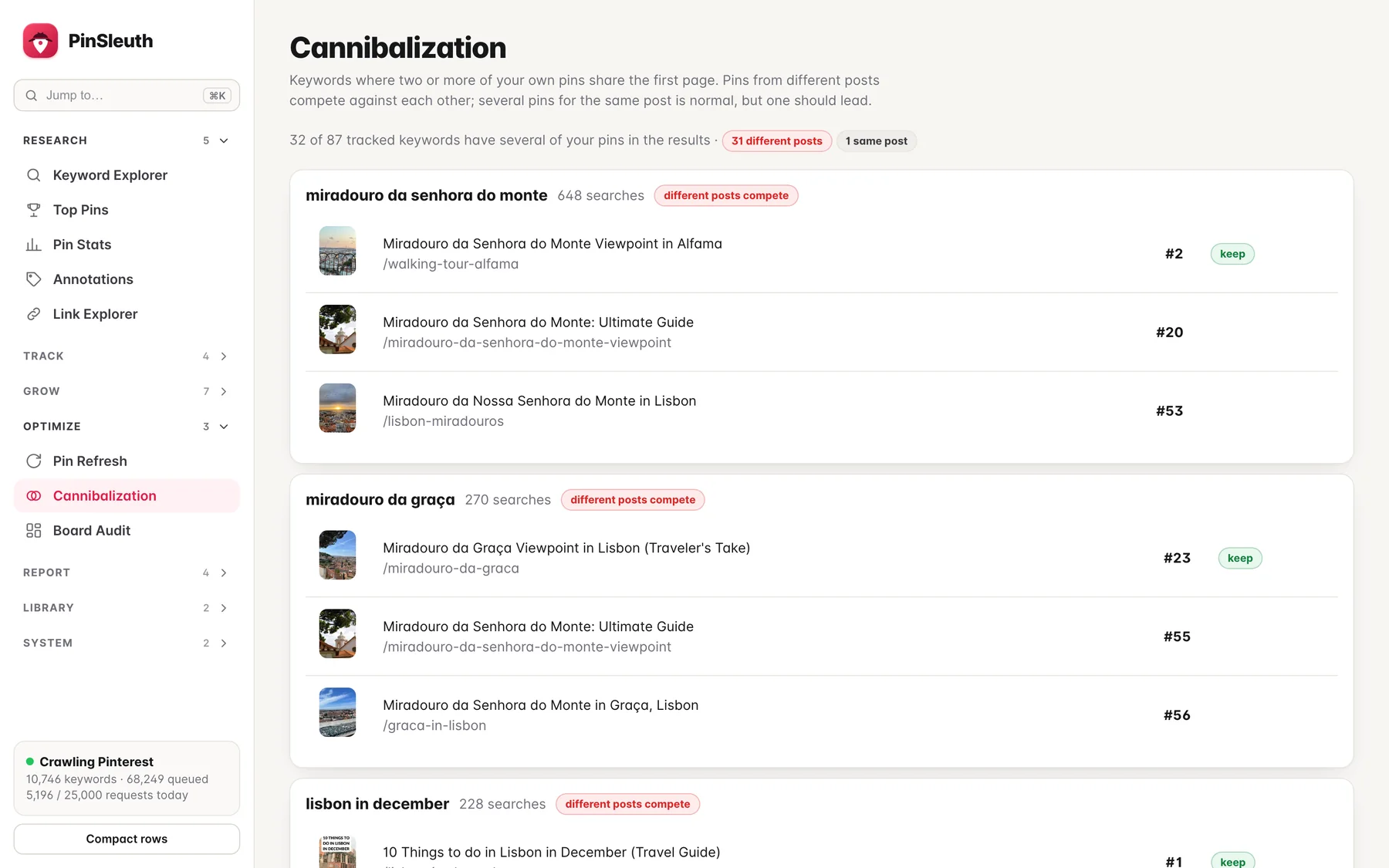
When several of your pins share the first page for a keyword, they can hold each other back. PinSleuth finds them and shows which to keep.
What you get
What it does
Spot the overlap
See every tracked keyword where two or more of your pins are in the results.
Same post or different posts
Several pins for one post is normal. Pins from different posts competing is the real problem, and it is flagged separately.
A clear winner
The best-placed pin is marked to keep, so you know which one to promote.
Three steps
How it works
Track your keywords
Rank checks save each results page.
Review the overlaps
Keywords are listed with every one of your pins that appears.
Pick one to lead
Promote the winner and give the others a different angle.
Questions
Common questions
Is it always a problem?
Not always. Multiple pins for one post is common. It matters most when different posts compete for the same keyword.
Does it tell me what to change?
It marks the pin to keep. Alternative keywords are only suggested when they are clearly related to the pin.
Keep going
Works well with
Start your 14-day free trial
Pick a plan, add a card, and pay nothing if you cancel within 14 days.