 PinSleuth
Measure · Feature
See what your pins really do
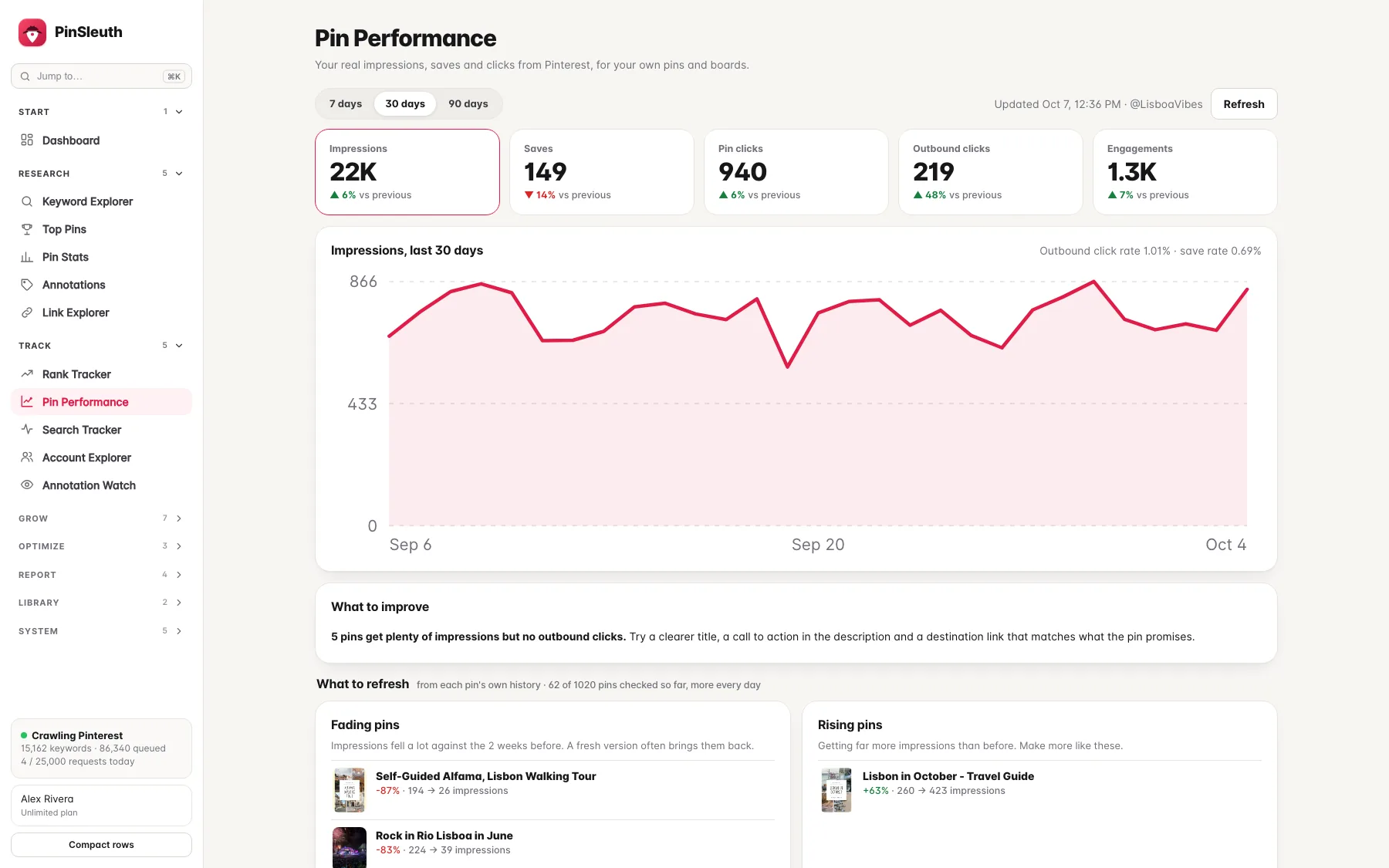
Connect your Pinterest account and PinSleuth shows impressions, saves, pin clicks and outbound clicks for your own pins and boards, next to your keyword rankings.
What you get
What it does
Real numbers, not estimates
Impressions, saves, pin clicks, outbound clicks and engagement for the last 7, 30 or 90 days, each compared with the period before.
What to refresh
Pins whose impressions are fading, pins that are taking off and pins that get seen but never clicked, worked out from each pin’s own history.
Rankings next to results
See the pin that ranks for each tracked keyword beside the impressions and clicks it really gets, so you know what a ranking is worth.
Three steps
How it works
Connect Pinterest
Press Connect Pinterest in your account and approve it on Pinterest’s own page.
Let it sync
PinSleuth reads your analytics, pins and boards once a day. The first numbers appear within a minute.
Act on the insights
Refresh fading pins, fix pins nobody clicks and make more of what is rising.
Questions
Common questions
Does PinSleuth post to my Pinterest account?
No. The connection is read-only. It reads your analytics, pins and boards and cannot post or change anything.
Can I disconnect?
Yes, any time. Disconnecting deletes the access token and all the Pinterest data PinSleuth saved from it.
How fresh are the numbers?
Pinterest reports analytics with about a two day delay, and PinSleuth refreshes them once a day.
Keep going
Works well with
Start your 14-day free trial
Pick a plan, add a card, and pay nothing if you cancel within 14 days.