PinSleuth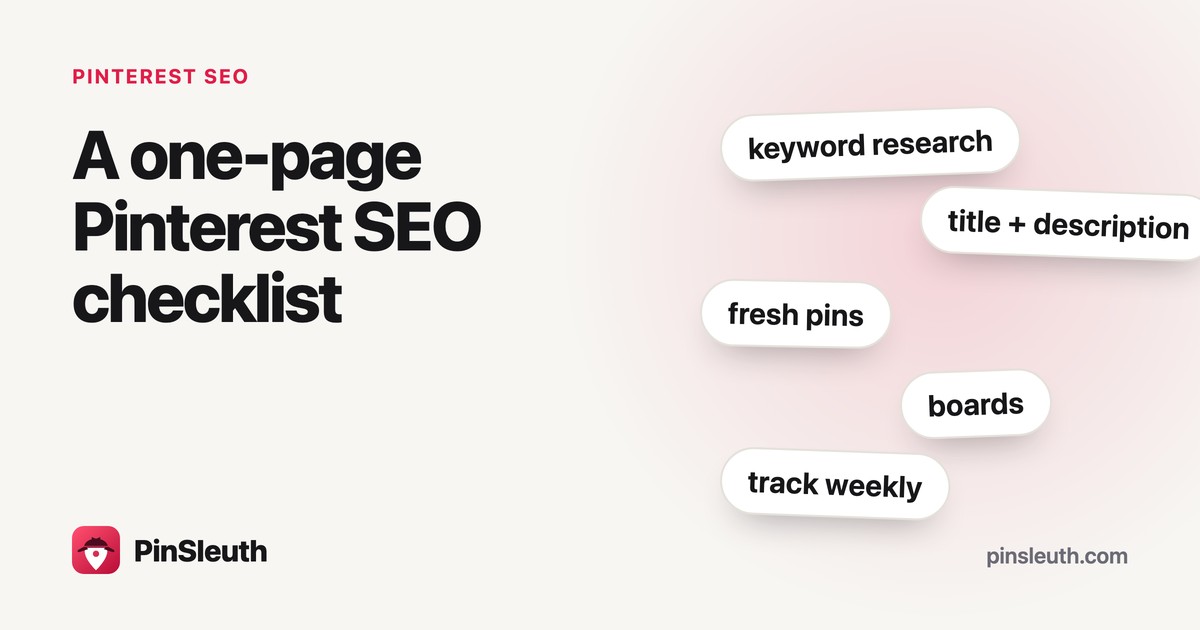
Pinterest advice is long and scattered. Here is a short checklist in the order you would actually do things: before you publish, for every pin, weekly and monthly. Print it, pin it above your desk, or copy it into a note.
Key takeaways
- Most of the work happens before the pin exists: a clear page and a clear idea.
- Every pin needs a natural title, a plain description and a page that matches.
- A weekly look at your numbers beats an occasional deep dive.
- Monthly: refresh one proven post and tidy one corner of your account.
Before you publish
- Your post has a clear title that says what it is about.
- The page loads quickly and works on a phone.
- You know the one keyword a person would type to find it.
- You have an image that makes the idea clear at a glance (2:3 works well).
- Your Pinterest profile has a clear name and a short description of what you share.
For every pin
- Choose one main keywordPick the phrase a person would type to find your post.
- Write a natural titleSay it once, near the start if it reads naturally. Lead with what matters, as only the first part shows in the feed.
- Write a plain descriptionTwo or three real sentences about what the pin offers. Say the keyword once or twice, no lists.
- Add alt textOne plain sentence describing what the image shows.
- Link to a page that matchesThe pin’s promise and the page’s content should tell the same story.
- Save it to the right boardThe board that fits the topic best, named clearly.
Before you press publish
Ask one question: if someone taps this pin, will the page give them exactly what the pin promised? If not, fix the pin or the page first.
Every week
- Publish new pins on a rhythm you can keep, even if it is only a few a week.
- Look at your pin numbers in Pinterest analytics.
- Note one thing that moved and one thing to try.
- Fix one weak pin: a clearer title, a better image or a repaired link.
Every month
- Make fresh pins for your best post, see refreshing old posts.
- Look ahead at seasonal topics and publish a few weeks before the peak.
- Check that the pages your pins link to still load and still match.
- Tidy one board: rename a vague one, or merge two that overlap.
One pin, from start to finish
To see the checklist in action, here is one pin made from a post called “A rainy day in Lisbon”.
| Step | What you do | Result |
|---|---|---|
| Keyword | People type “rainy day Lisbon” | rainy day in Lisbon |
| Title | Keyword once, a clear promise | A rainy day in Lisbon: 9 things to do indoors |
| Description | Two real sentences, the keyword once | Rain does not have to ruin a Lisbon trip. Here are nine museums, cafés and covered markets worth planning around. Save it for the day the weather turns. |
| Alt text | Describe the picture | A tram on a wet cobbled street with people holding umbrellas |
| Page | Open the post, check it matches | The post starts with the nine ideas, no long introduction |
| Board | The best fit, clearly named | Lisbon travel guides |
It takes about five minutes
Once you have done it a few times, the whole list runs on habit. The goal is to make the good version the easy version.
A small routine you keep beats a big plan you abandon.
Your one-page version
If you only remember five things: one keyword per pin, a natural title, a plain description, a page that matches, and a look at your numbers every week.
Quick questions
Do I need a tool for all this?
No. A spreadsheet is enough for the repetitive parts: pin numbers and finding posts to refresh. A tool saves time, but the habits matter more.
How often should I post?
As often as you can keep up. Steady beats bursty. A few good pins a week is better than thirty in one day and nothing after.
How long until I see results?
Pinterest is slower than a social feed. Give a new pin a few weeks before judging it, and judge a topic over months.
What if I only have time for one thing?
Make sure every pin links to a page that matches what it promises. It helps visitors and pins alike.